Why Is Month-End Still a Fire Drill?
CAG Executive Question of the Week
Month end Close Process
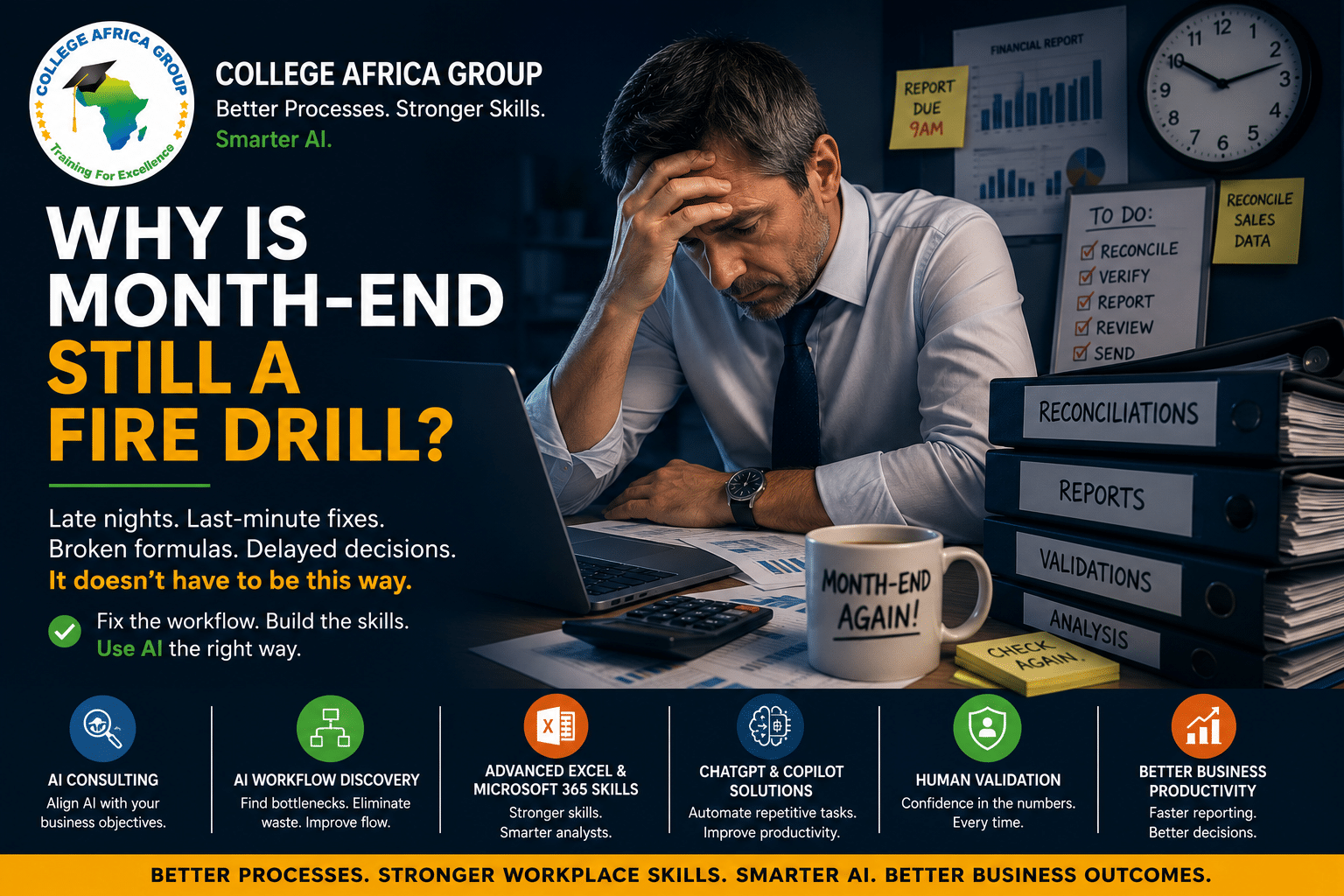
If month end happens every month, why does your finance team still have to treat it like an emergency?
Free Weekly Download: Looking for practical ways to work smarter? Throughout this article, we explore better processes, Excel and AI. For more practical workplace tips and free downloadable guides, visit our Work Smarter Tips Library — you’ll find the link at the end of this article.
Read our press release that MYPR published.
The month end close process should be one of the most predictable processes in any business. The date is known. The reports are known. Most reconciliations are known. Management generally knows what information it expects.

Yet as month end approaches, the same familiar scene plays out in many businesses.
- Finance employees work late.
- Spreadsheets move backwards and forwards between departments.
- Figures are copied from one workbook into another.
- Managers chase outstanding information.
- Someone discovers a formula does not include the latest data.
- Executives wait for management reports before making decisions.
Then everyone promises: “Next month we’ll be better prepared.”
Thirty days later, the fire drill starts again.
This article expands on the problem raises a bigger question: is month end really a finance problem, or is it a business process problem?
Your Month End Close Process May Not Be the Real Problem
When month end becomes difficult, management often assumes there is too much work or too few people.
Sometimes that is true. But the organisation may also have allowed an inefficient process to become normal.
A temporary spreadsheet becomes a permanent management report. Another workbook is introduced for a different department. A manual reconciliation is added because systems do not communicate. Reports start arriving by email. Employees create their own versions and workarounds.
Individually, these changes may appear reasonable. Collectively, they can create a month end close process that nobody would deliberately design today.
If you were designing your month end close process from scratch today, would you build it the way it currently works?
If the answer is no, asking employees to work faster is unlikely to solve the underlying problem.
A Correct Result Can Still Come From a Bad Month End Close Process
A finance department may consistently produce accurate management accounts. That does not automatically mean the process producing those accounts is efficient.
Executives see the final report. They may not see employees downloading data, reformatting spreadsheets, changing formulas, comparing versions, searching through emails, chasing approvals and recreating reports every month.
A process should not be judged only by whether it eventually produces the correct answer. It should also be judged by the time, effort and risk required to produce that answer.
Businesses should therefore examine the actual workflow:
- Where does the information originate?
- How many times is data copied or re-entered?
- Which calculations and reports are repeated?
- Where do people wait for information or approvals?
- Which activities genuinely require professional judgement?
- Which steps exist simply because “we have always done it that way”?
Don’t Automate a Broken Month End Close Process
Artificial intelligence has created another temptation. Executives see repetitive administrative work and ask: “Can we automate this with AI?”
Perhaps. But the first question should be: “Should we still be doing this work at all?”
If an employee spends three hours copying unnecessary information between poorly structured spreadsheets, automating the copying may simply make a bad process operate faster.
This is why business process review and AI Workflow Discovery should come before technology selection.
Map the month end close process. Identify duplication. Remove unnecessary activities. Standardise recurring work. Identify bottlenecks and determine which activities genuinely require human judgement.
Then decide where Microsoft 365, Advanced Microsoft Excel, ChatGPT, Microsoft Copilot or other technologies can improve the remaining workflow.
The objective is not to automate more work. It is to remove unnecessary work and improve the work that remains.
Core Workplace Skills Still Matter in the AI Era
There is a growing assumption that artificial intelligence will reduce the importance of traditional workplace skills. Finance is a good example of why that assumption deserves to be challenged.
AI can write an Excel formula, explain a calculation, suggest ways to analyse data and draft management commentary.
But someone still needs to know whether the answer makes sense.
That makes strong Advanced Microsoft Excel skills more important, not less important.
An employee who understands formulas, Tables, structured references, PivotTables, Power Query and sound spreadsheet design can question AI output, identify missing data and recognise when a result is implausible.
An employee without those skills may receive a convincing AI-generated answer without knowing that it is wrong.
AI can accelerate the work. Core skills help determine whether that work can be trusted.
Small Excel Improvements Can Make a Big Difference
Not every improvement to the month end close process requires sophisticated automation.
For example, recurring data can often be converted into an Excel Table using Ctrl + T. Tables expand as records are added and support structured references, reducing some of the manual maintenance associated with recurring reports.
Even naming a Table SalesData instead of Table1 makes a workbook easier for other employees to understand and audit.
These are small improvements. Multiply them across dozens of workbooks, several employees and twelve month end cycles a year and they become a productivity issue.
Sometimes the fastest productivity improvement is helping employees use the technology they already have more effectively.
Where ChatGPT Can Help the Month End Close Process
ChatGPT for Business can support finance employees with language, analysis and documentation tasks surrounding the month end close process.
It can help employees:
- Explain complex Excel formulas.
- Suggest formulas for review.
- Explore possible reasons for unexpected variances.
- Turn financial notes into draft management commentary.
- Summarise information before meetings.
- Document recurring procedures and checklists.
The important word is help.
If ChatGPT suggests a formula, somebody must check it. If it proposes an explanation for a variance, somebody must investigate it. If it drafts management commentary, someone who understands the financial position must review it.
AI can help employees reach an answer faster. It does not remove their responsibility for understanding the answer.
How Microsoft Copilot Can Support the Month End Close Process
Microsoft Copilot creates another opportunity because finance teams work across Excel, Outlook, Word, PowerPoint and Teams.
In Excel, Copilot can assist with exploring data, formulas and potential insights. In Outlook, it can assist with drafting and summarising communications. In Teams, it can support meeting summaries and actions. Word and PowerPoint can assist with communicating approved management information.
But a badly structured workbook does not suddenly become a good financial model because AI has been added to it.
This is why the three capabilities should not be viewed as competitors.
Advanced Microsoft Excel helps employees structure, calculate and understand business data.
ChatGPT for Business can assist with reasoning, explanation, drafting and analysis.
Microsoft Copilot can bring AI assistance into the wider Microsoft 365 workflow.
Human judgement sits across all three.
The future of workplace productivity is not skills or AI. It is stronger skills combined with better processes and intelligently applied AI.
What Could a Better Month End Close Process Look Like?
Imagine a finance team where recurring data is consistently structured, Excel Tables and formulas reduce manual maintenance, and Power Query is used where appropriate to import and prepare recurring information.
Standard reports use reliable data sources. Responsibilities and deadlines are clear. Teams and Microsoft 365 support collaboration rather than employees emailing multiple spreadsheet versions.
ChatGPT assists with explanations and draft commentary. Microsoft Copilot supports communication, meetings and reporting. Skilled finance professionals spend less time moving information around and more time understanding what it means.
The goal is not a finance department with fewer people thinking. The goal is a finance department where skilled people have more time to think.
A Practical Month End Closing Checklist for Executives
Before buying more software, review your month end close process:
- Which activities consume the most employee time?
- Which tasks are repeated manually every month?
- How many spreadsheets are involved?
- Where is data repeatedly copied?
- Could Tables, Power Query or PivotTables remove repetitive work?
- Where are employees waiting for information or approvals?
- Which reports does management actually use?
- Do employees have the Excel skills required for their work?
- Where could ChatGPT or Microsoft Copilot safely assist?
- Which outputs require mandatory human validation?
For a broader accounting perspective, HighRadius provides an overview of the month end close process. Finance teams can also review Ramp’s month end close guide and checklist.
Human Validation Becomes More Important With AI
As AI becomes easier to use, generating an answer becomes easier. That does not necessarily make the answer correct.
A plausible Excel formula can reference the wrong cells. A convincing variance explanation can overlook an important business event. A polished management summary can misrepresent the underlying data.
AI governance and human validation must therefore form part of the month end close process.
Finance professionals remain responsible for checking source data, formulas, calculations, assumptions, reconciliations and conclusions.
AI produces language and analysis. People remain responsible for decisions.
Want to Work Smarter?
College Africa Group’s Work Smarter Tips Library is a growing collection of free, practical workplace tips and downloadable guides designed to help you save time and improve productivity.
The library covers Microsoft Excel, ChatGPT, Microsoft Copilot, Microsoft 365, AI and better business processes, with new Work Smarter tips added regularly.
Explore the Work Smarter Tips Library →
Frequently Asked Questions About the Month End Close Process
What is a month end close process?
A month end close process is the series of activities used by a finance team to finalise financial information for a reporting period, including reconciliations, adjustments, balance checks and financial reporting.
Why does the month end close process take so long?
Manual data entry, multiple spreadsheets, repeated reconciliations, duplicated reports, approvals and unclear responsibilities can make the process unnecessarily slow.
How can businesses improve the month end close process?
Map the existing workflow, remove unnecessary steps, standardise recurring activities, strengthen spreadsheet structures and employee skills, and then identify appropriate opportunities for automation and AI.
Can Advanced Microsoft Excel improve month end reporting?
Yes. Excel Tables, structured references, PivotTables, Power Query and appropriate formulas can reduce repetitive work and improve recurring analysis and reporting.
Can ChatGPT help with the month end close process?
ChatGPT can help explain formulas, draft commentary, summarise information and explore possible variances. AI-generated outputs must still be validated by appropriately skilled employees.
How can Microsoft Copilot help finance teams?
Microsoft Copilot can assist across Excel, Outlook, Word, PowerPoint and Teams as part of the wider finance workflow. It should support rather than replace sound processes and professional judgement.
Will AI replace the need for Excel skills?
No. AI can assist with formulas and analysis, but employees still need to understand the underlying data and business logic. Strong Excel skills help employees validate AI-generated results.
Why is human validation important when using AI in finance?
AI can produce convincing but incorrect assumptions, formulas or conclusions. Finance professionals remain responsible for validating financial information before decisions are made.
Start With the Process, Not the Software
If your organisation experiences the same pressure every month, review the month end close process before purchasing another technology solution.
The opportunity may be hidden in a spreadsheet, unnecessary approval, duplicated report, manual hand-off or skill employees were never taught.
Improve those first. Then use Advanced Microsoft Excel, ChatGPT, Microsoft Copilot and appropriate automation to make a better process work faster.
The objective of a better month end close process is not simply to close the books faster. It is to give skilled people more time to understand what the numbers are telling the business.
Contact College Africa Group
Contact College Africa Group to discuss Advanced Microsoft Excel training, ChatGPT for Business, Microsoft Copilot training or AI Workflow Discovery for your organisation.
Have an Excel or AI Tip Worth Sharing?
We would also like to hear what is working in your workplace.
Share your favourite Excel shortcut, formula, productivity technique or practical AI use case with College Africa Group.
We may feature selected contributions in a future CAG challenge, blog or newsletter, with your name and company included with your permission.
Three practical tips each week can help all of us work smarter.
Send College Africa Group Your Tip

You may also like