
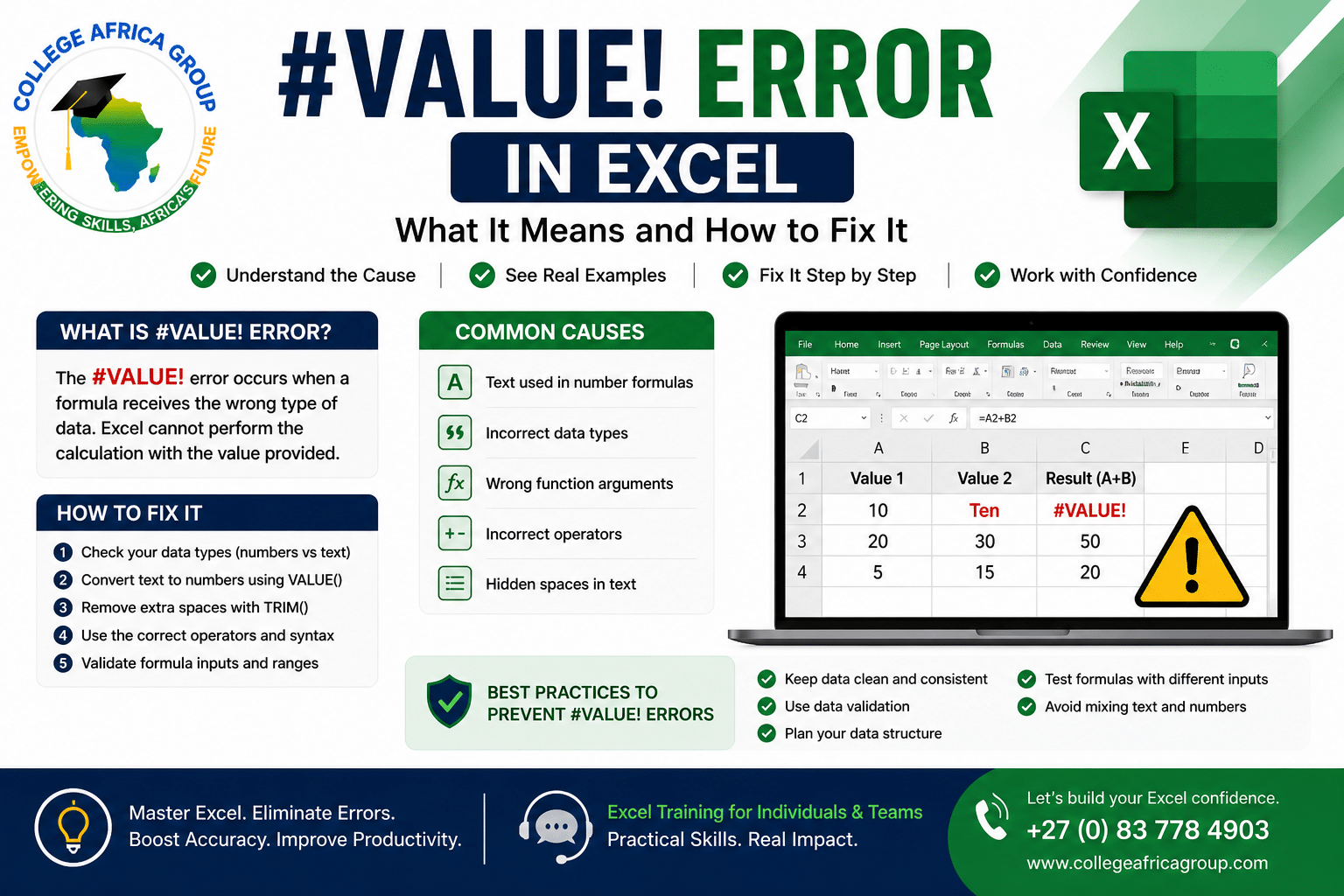
#Value Error Excel: What It Means and How to Fix It
#Value Error in Excel: What It Means and How to Fix It
VALUE error in Excel is one of the most common issues users encounter when working with formulas. It occurs when Excel cannot process the data type used in a calculation.
To understand how this fits into broader issues, see our guide on
types of errors in Excel.
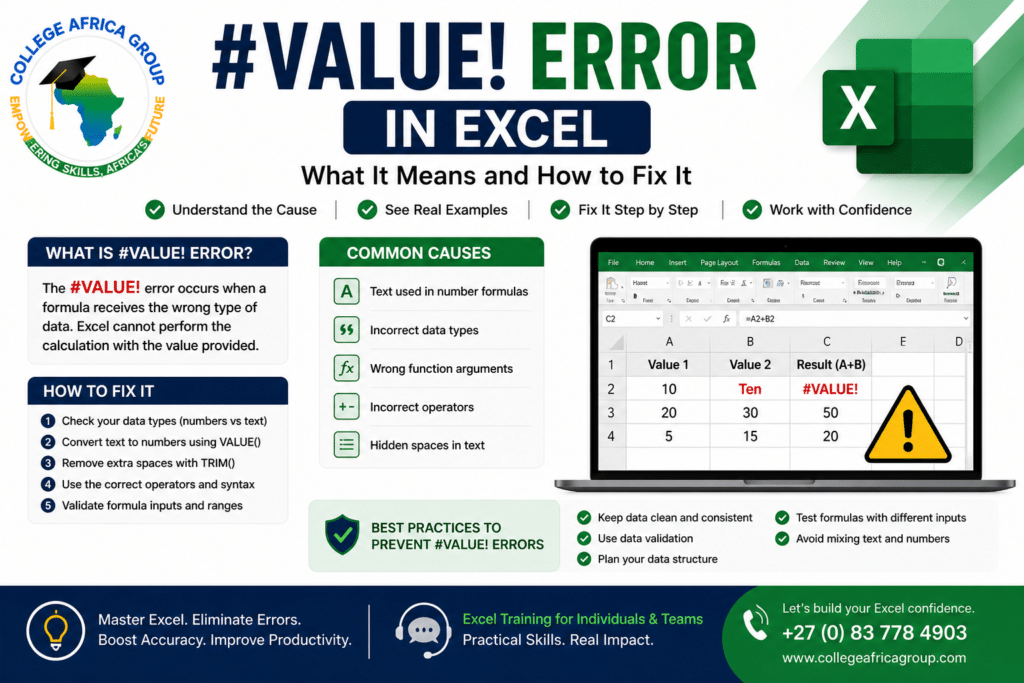 What Does #VALUE! Error Mean in Excel?
The #VALUE! error indicates that a formula is using the wrong type of data. This typically happens when text is used where numbers are expected.
Common Causes of #VALUE! Error in Excel
- Text instead of numbers in calculations
- Incorrect formula syntax
- Hidden spaces in cells
- Incorrect use of functions
- Mixing data types in formulas
Examples of #VALUE! Errors
Example 1: Adding a number and text value results in a #VALUE! error.
Example 2: Using a formula that expects numbers but receives text input.
📥 Download the #VALUE! Error Excel Quick Fix Guide Download 2 to learn the most common causes of the #VALUE! error in Excel and practical steps to troubleshoot and fix incorrect formulas, formatting issues, and data problems.
How to Fix #VALUE! Error in Excel
- Check data types (numbers vs text)
- Use VALUE() function to convert text
- Remove extra spaces using TRIM()
- Ensure correct formula structure
- Validate inputs before calculations
#VALUE! Errors When Using AI Tools
When using AI tools like Copilot or ChatGPT, the risk of encountering a #VALUE! error in Excel increases if incorrect assumptions are made about the data.
See how AI contributes to these issues in our guide on Copilot vs ChatGPT in Excel.
Enrol in an Excel course so that you can identify these errors when AI creates them
Many Excel errors are now being overlooked because employees increasingly rely on AI-generated formulas and summaries without verification. Our previous article on AI and Excel validation explains why human review remains essential in modern workplaces.
Workplace Impact of #VALUE! Errors in Excel
In a corporate environment, the #VALUE! error in Excel is more than just a technical issue — it can directly affect reporting accuracy and business decisions. Finance teams, HR departments, and operational staff often rely on Excel outputs to produce monthly reports, payroll summaries, and performance dashboards.
When a #VALUE! error occurs, it can break entire calculations or lead to missing totals, which may not always be immediately obvious.
A common workplace scenario involves data imported from external systems such as accounting platforms or HR systems. These datasets frequently contain inconsistencies, such as numbers stored as text or hidden formatting issues.
When formulas are applied across this data, Excel cannot process the mismatch, resulting in errors that delay reporting and require manual correction.
When AI tools like Copilot or ChatGPT are introduced, the risk increases. These tools may generate summaries or calculations based on flawed data, producing outputs that appear correct but are inaccurate.
This highlights an important principle: AI assists, but users remain responsible for validation.
Organisations that implement simple validation steps and data standards reduce these risks significantly and improve overall reporting reliability.
Best Practice to Avoid #VALUE! Errors
- Structure your data correctly
- Keep consistent data formats
- Validate formulas regularly
- Avoid mixing text and numeric values
Advanced Causes of #VALUE! Error in Excel
While basic data type issues are the most common cause of the #VALUE! error in Excel, more advanced scenarios can also trigger this error in a corporate environment.
- Array formulas: When ranges do not match in size
- Date and time inconsistencies: Incorrect formatting
- External data imports: Hidden characters
- Function limitations: Incorrect input types
How to Identify #VALUE! Errors Quickly
- Error Checking Tool: Highlights issues
- Evaluate Formula: Step-by-step breakdown
- Trace Precedents: Shows linked cells
Real Workplace Scenario: #VALUE! Error in Reporting
In many organisations, monthly reports rely on data extracted from multiple systems. A common issue occurs when numeric fields are imported as text, resulting in a #VALUE! error.
This is why understanding the #VALUE! error in Excel is not just a technical skill — it is a business requirement.
Best Practice: Preventing #VALUE! Errors
- Standardise data formats before calculations
- Clean imported data using TRIM() and VALUE()
- Use consistent templates for reporting
- Validate data before running formulas
#VALUE! Error in Excel and AI: Key Takeaway
The #VALUE! error in Excel highlights a broader issue in the modern workplace — the gap between speed and accuracy. As tools like Copilot and ChatGPT become more widely used, the ability to identify and fix Excel errors is becoming a critical business skill.
While AI can assist with calculations, summaries, and insights, it does not validate data. Incorrect inputs, hidden formatting issues, or inconsistent data structures can still lead to errors that impact reporting and decision-making.
The key takeaway is simple: always validate Excel outputs, whether generated manually or by AI. Understanding how errors like #VALUE! occur — and how to fix them — ensures that data remains accurate, reliable, and fit for business use.
As AI adoption in Excel continues to grow, many organisations are now comparing Microsoft Copilot and ChatGPT for reporting, analysis, and spreadsheet automation.
In our latest article, “Copilot vs ChatGPT in Excel: Why Both Get Data Wrong”, we explain how both tools can generate convincing but incorrect outputs, why validation remains essential, and what businesses should check before trusting AI-generated Excel results.
Additional Articles in the Series with Free Download Guides
#VALUE! Error Excel FAQs
Q: What does #VALUE! mean in Excel?
A: It means the formula is using the wrong type of data.
Q: How do I fix a #VALUE error in Excel?
A: Check data types, remove spaces, and correct formulas.
Q: Can AI tools cause #VALUE errors?
A: Yes, if incorrect assumptions are made about data.
Q: Is #VALUE the same as #REF error?
A: No, #VALUE relates to data types, while #REF relates to invalid references.
Excel Training for Businesses
College Africa Group (CAG) provides practical Excel and AI training for corporate teams.
📞 +27 (0) 83 778 4903
For official Excel guidance, refer to Microsoft’s
Excel help and learning resources.
For additional troubleshooting techniques, see
Excel formula troubleshooting examples.
⚖️ This article’s topic does not raise any POPIA concerns.

You may also like