
MS Word Basics
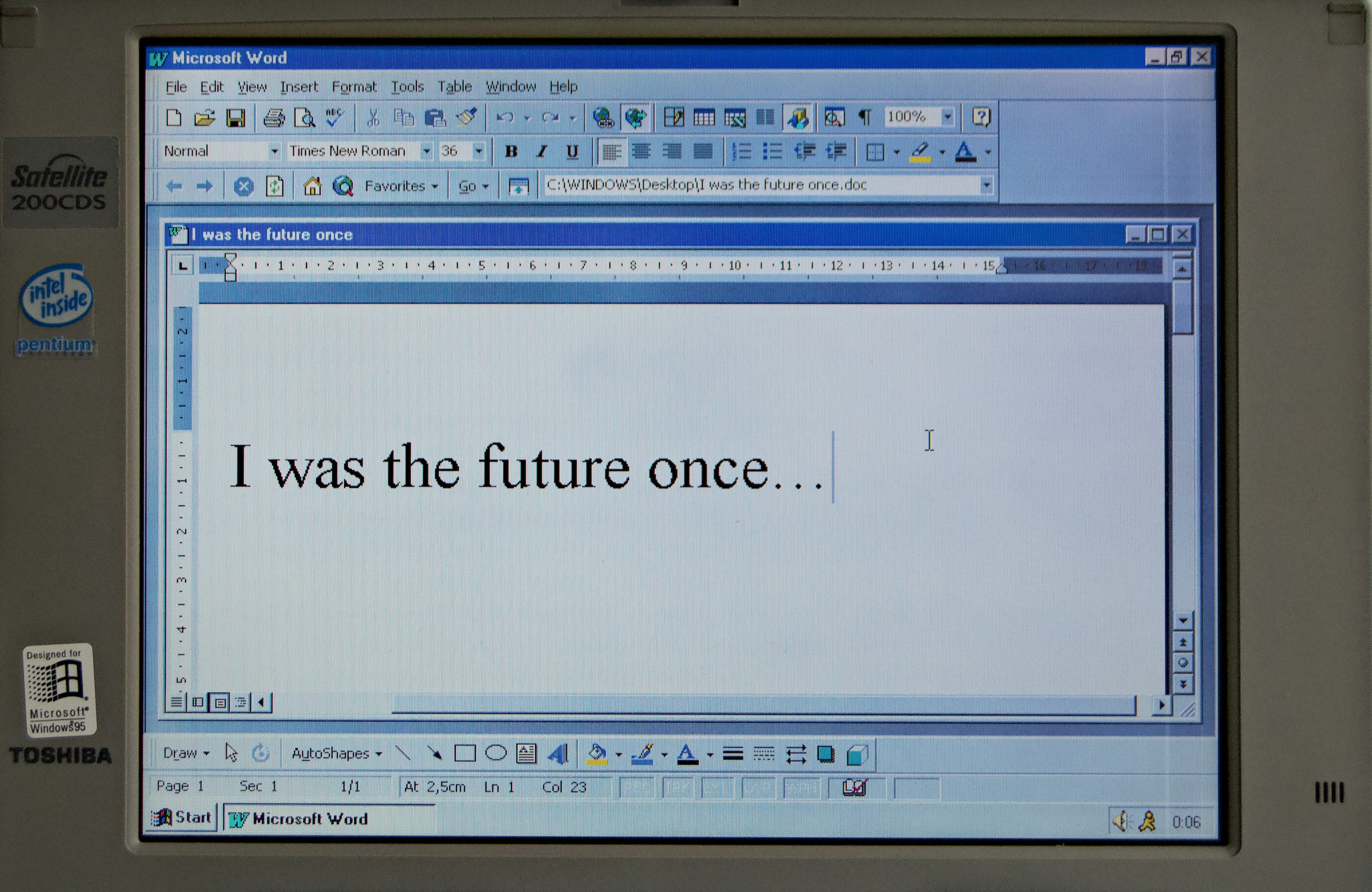
MS Word Basics
MS Word Basics, this comprehensive course covers the fundamental features of Word as well exposing the delegate to some of the functions in Word Basic. This is an intensive one-day course, from 09h00 to 15h30, which will provide the delegate with sufficient Word skills to create basic Word documents.
This course will prepare the delegate for more advanced Word courses like Word Intermediate and Word Advanced. The delegate receives a MS Word Basics manual and an electronic attendance certificate on completion of the Word Basic course.
We almost run MS Word Basics on-demand as we try to accommodate the client’s work schedule when possible. Contact Arnold + 27 083 778 4903 or email sales@collegeafricagroup.com for dates in your area?
We train any version of Microsoft Office and Mac Word Basics and Office 365
Contact Arnold + 27 083 778 4903 or email sales@collegeafricagroup.com for dates in your area?
MS Word Basics Delivery
ON and OFFSITE MS Word Basics training are offered. See our Specials for Gauteng & KZN, other areas call Arnold 083 7784903. Offsite includes teas, light lunch, and an electronic attendance certificate. Group discounts apply. ONSITE, YOUR VENUE, a minimum of three delegates attending simultaneously. Request prices.
Microsoft Word Basic Training FAQs
1) What is included in Microsoft Word Basic training in South Africa?
Microsoft Word Basic training covers the essential skills needed to create, edit, format, and save professional documents. Delegates learn page setup, fonts, paragraphs, alignment, spacing, bullets and numbering, headers and footers, and basic tables.
2) Who should attend Microsoft Word Basic training?
This course is ideal for beginners, admin staff, HR teams, graduates, and employees who use Word daily but need stronger foundations. It also suits teams moving into formal document standards and templates.
3) Do you offer Microsoft Word Basic training onsite and online?
Yes. CAG delivers Microsoft Word Basic training onsite and online for South African organisations. Training is available across Johannesburg, Cape Town, Durban, and nationwide, including virtual delivery via Zoom or MS Teams.
4) Can Microsoft Word Basic training be customised for our business documents?
Yes. We can customise the training to your document styles, templates, letterheads, and internal standards. This ensures learners apply Word skills directly to your real workplace documents.
5) How long does Microsoft Word Basic training take?
Most organisations choose a 1-day course for Microsoft Word Basic training. Some teams prefer a 2-day format to include extra practice, templates, and business document exercises.
6) Will learners receive exercises and templates after training?
Yes. Delegates receive practical exercises and example templates to support ongoing practice. Where applicable, we also provide quick reference notes for common formatting tasks.
7) What outcomes should we expect from Microsoft Word Basic training?
Teams typically produce cleaner, more consistent documents, save time on formatting, and improve business writing presentation. Learners become more confident using Word features correctly and efficiently.
8) How do we book Microsoft Word Basic training with CAG?
To book Microsoft Word Basic training, contact CAG with your team size, preferred format (onsite or online), and dates. We will recommend the best approach and provide a formal quote for your organisation.
MS Word Basics Resources
Excel
Excel Guru
MS Office